30+ pro editing tools.
One panel inside Premiere.
Auto captions in 90+ languages without the internet, multicam that cuts itself, silence removal, studio-clean audio, 700k sound effects and hundreds of templates — all in one panel inside Adobe Premiere Pro. Pay once. Keep it.
Click through the real panel.
This is the actual SickMotionz panel. Tap any tab on its left side, or jump straight to a favourite below. It only shows the design here — the tools themselves run inside Premiere Pro.
Tip: scroll inside the panel to see every tab.
The jobs that eat your evenings,
done in a click.
The tools editors use every day, built right into Premiere so you never leave your timeline.
Auto captions, offline, in 90+ languages
Transcribes on your own computer with Whisper — no upload, no credits, no monthly fee. English, Spanish, Arabic, Uzbek and 90 more.
- 86 caption styles, previewed on your own frame
- Fix any word with a double-click before it goes on
- Remove "um" and filler words automatically
- Translate captions into other languages
Podcasts that cut themselves
Multicam listens to who's talking and cuts to the right camera — then adds each speaker's captions in their own style.
Silence remover
Finds the pauses and cuts them out — tune how tight it feels, preview first.
Studio-clean audio
Clean up noise and echo, line clips up by their sound, and add natural AI voice-overs.
- Sync cameras & mics by audio
- Noise & echo clean-up
- 700k online sound effects
Search everything
Type an effect, preset, transition or tool — Enter applies it. Or open the floating search from anywhere with your own key.
"Edit my video" macros & voice commands
Chain the boring steps — remove silences, cut retakes, add captions, B-roll and sound effects — and run them in one go. Or just say what you want: the built-in assistant understands plain English.
Global shortcuts
Ctrl/Cmd + a number runs any layer, transition, sound, macro or search — without clicking the panel.
32 tools. Here's what each one does.
Tap any tool to see all of its features. Everything is included in Toolbox Pro — tools marked MAX are coming in the Max upgrade.
Up and running in minutes
Buy once
Pay on Gumroad or Selar and you get your licence key plus the installer for Mac or Windows.
Install
Follow the short step-by-step guide. The panel opens in Premiere under Window › Extensions.
Edit faster
Paste your key, take the 1-minute tour and every tool is ready. Updates arrive inside the panel.
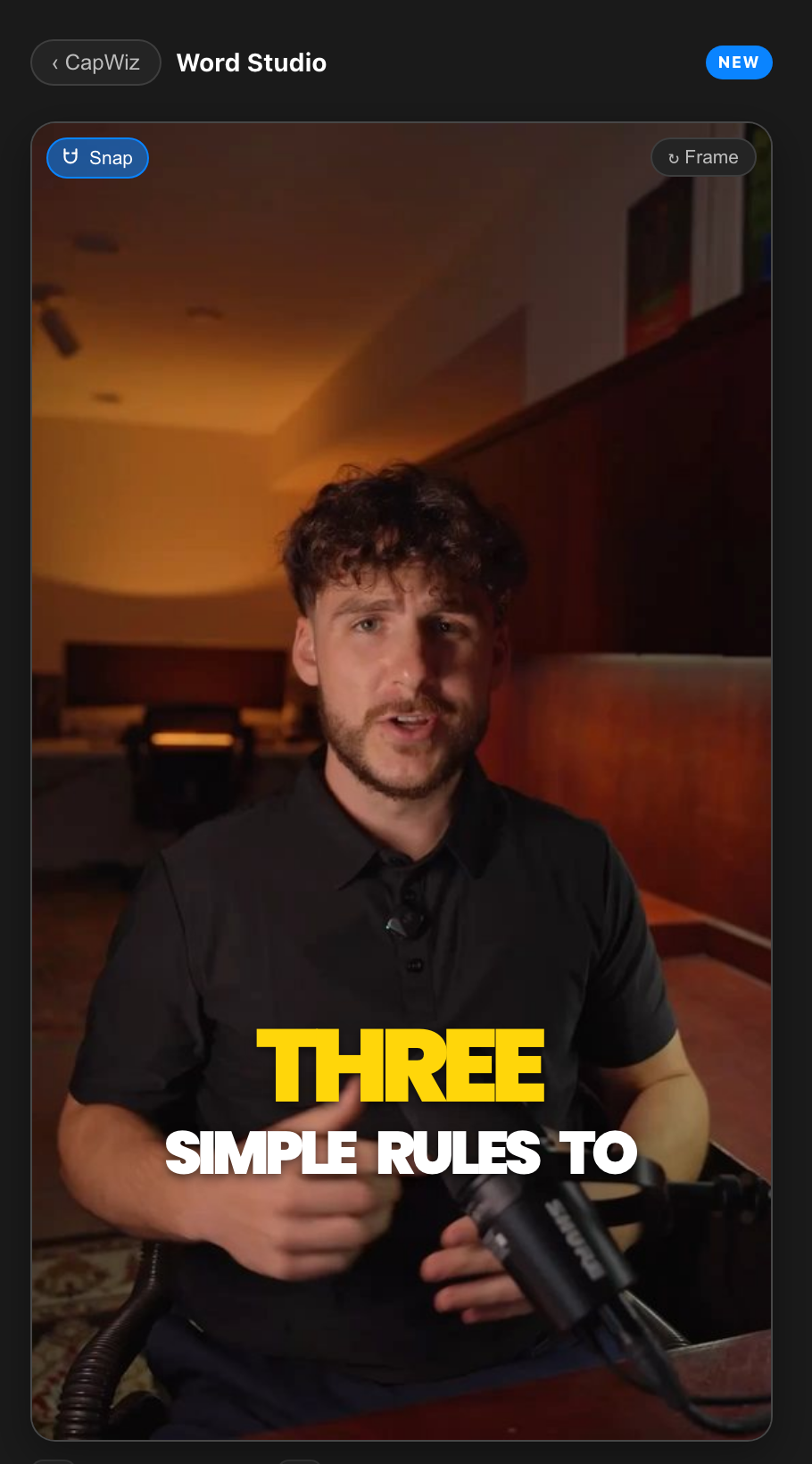
Max: the next level for creators.
A new tab of pro tools on top of Toolbox Pro. First up: CapWiz, everything for captions that stop the scroll.
Pay once. Keep every tool.
$10 once for every Toolbox Pro tool — no subscription. Your licence works on two computers, and updates are free.
Toolbox Pro
- All 32 tools in one panel
- Offline captions in 90+ languages
- Multicam, silence remover, AI audio
- 700k sound effects & 288 templates
- Mac & Windows · 2 computers
- Free updates inside the panel
Max SOON
- Everything in Toolbox Pro
- CapWiz: Word Studio, Keep face clear, Live re-sync
- New Max tools as they're released
Questions, answered
Stop clicking. Start finishing.
Every tool you reach for, in one panel inside Premiere Pro.